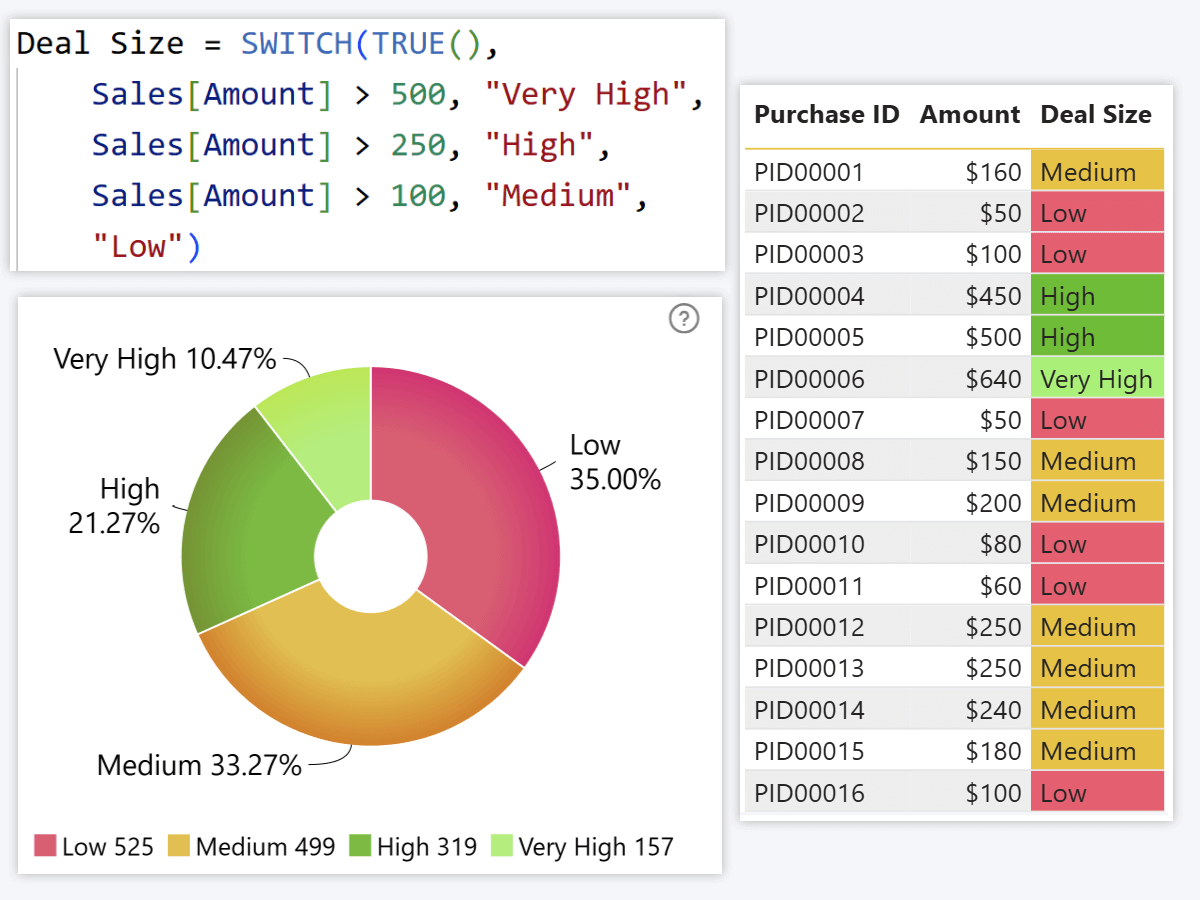
Power BI DAX: Advanced Professional Guide
DAX (Data Analysis Expressions) is a formula language used in Power BI for creating custom calculations in data models.
DAX enables advanced analytics, KPI tracking, and dynamic reporting.
1. Calculated Column vs Measure
| Calculated Column | Measure |
|---|---|
| Calculated row by row | Calculated dynamically |
| Stored in model | Not stored (calculated at runtime) |
| Used for slicing | Used for aggregation |
2. Basic Aggregation Measures
Total Sales = SUM(Sales[Amount])
Total Orders = COUNT(Sales[OrderID])
Average Sales = AVERAGE(Sales[Amount])
3. Advanced Business KPIs
Profit Margin
Profit = SUM(Sales[Revenue]) - SUM(Sales[Cost])
Profit Margin = DIVIDE([Profit], SUM(Sales[Revenue]), 0)
Year-to-Date (YTD)
Sales YTD = TOTALYTD(
SUM(Sales[Amount]),
'Date'[Date]
)
Month-over-Month Growth
MoM Growth =
DIVIDE(
[Total Sales] - CALCULATE([Total Sales], PREVIOUSMONTH('Date'[Date])),
CALCULATE([Total Sales], PREVIOUSMONTH('Date'[Date]))
)
4. Time Intelligence Functions
Sales LY = CALCULATE(
[Total Sales],
SAMEPERIODLASTYEAR('Date'[Date])
)
Sales QTD = TOTALQTD(
SUM(Sales[Amount]),
'Date'[Date]
)
Time intelligence requires a proper Date table marked as Date Table.
5. Filter Context & Row Context
DAX operates on two major concepts:
- Row Context – Applies calculation row by row.
- Filter Context – Applies filters based on visuals and slicers.
Understanding context transition is key to mastering DAX.
6. CALCULATE Function (Core of DAX)
High Value Sales =
CALCULATE(
[Total Sales],
Sales[Amount] > 1000
)
CALCULATE modifies filter context and is the most powerful DAX function.
7. Advanced DAX Patterns
Running Total
Running Total =
CALCULATE(
[Total Sales],
FILTER(
ALL('Date'),
'Date'[Date] <= MAX('Date'[Date])
)
)
Dynamic Ranking
Rank Product =
RANKX(
ALL(Product[Product Name]),
[Total Sales],
,
DESC
)
8. Data Modeling Best Practices
- Use STAR schema
- Create a dedicated Date table
- Avoid bidirectional relationships unless necessary
- Prefer measures over calculated columns
- Optimize cardinality
A clean data model improves DAX performance significantly.
9. DAX Optimization Tips
- Reduce complex nested CALCULATE
- Use variables (VAR) for readability
- Avoid unnecessary ALL() usage
- Monitor performance using Performance Analyzer
Optimized Example =
VAR CurrentSales = [Total Sales]
RETURN
IF(CurrentSales > 10000, "High", "Normal")
Conclusion
Mastering DAX transforms Power BI from a visualization tool into a powerful analytical engine. Advanced DAX skills enable dynamic reporting, executive dashboards, and business intelligence solutions.
DAX is the backbone of professional Power BI reporting.